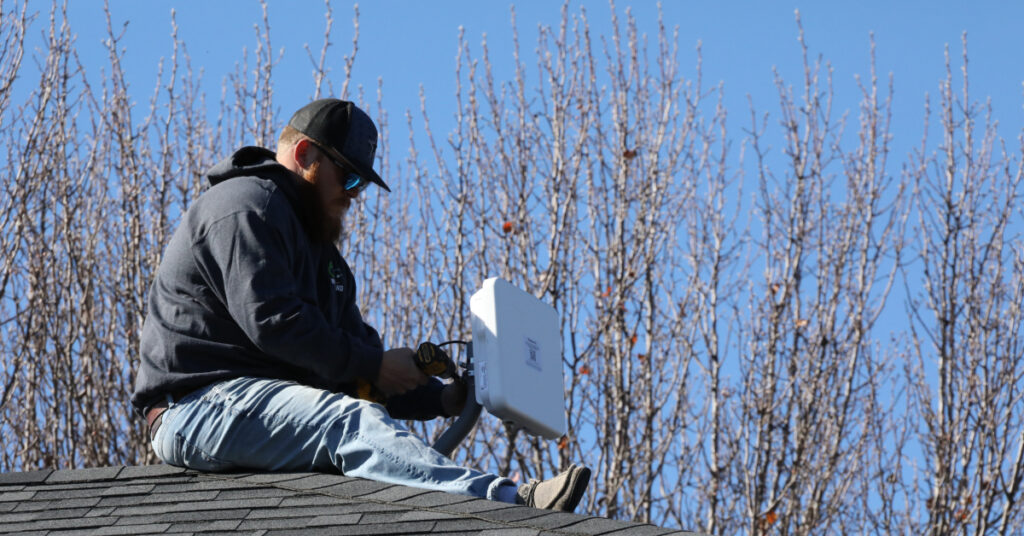
The Tarana remote node is capable of delivering up to 1.6 Gbps of aggregate throughput, but are you getting the most out of your installations? The right optimizations can add a hundred or more Mbps of throughput. This paves the way for future revenue if customers decide they want more performance and avoids costly truck rolls to adjust hardware.
Here are some tips to help get the most out of your remote node.
Tilt
One of the most important things an installer can do is ensure the remote node is tilted optimally. A good starting point is to align the remote node such that the center of the beam is aligned with that of the base node on the tower. This can then be adjusted further as needed. Because Tarana radios beamform on the horizontal rather than vertical, adjusting tilt can make a bigger difference than azimuth in many cases.
How big of a difference? On a recent ride along with a Tarana installer, we found that adjusting the tilt increased performance by 100 Mbps. Although the original target throughput was met without adjusting tilt, this small change ensured the operator could later go back and upsell the subscriber if they want more speed at a later date.
Avoid Obstructions
While it may seem like an obvious thing, ensuring there are no obstructions near the remote node can have a tremendous impact on performance. Obstructions are typically avoided by either changing the installation location or mounting the remote node higher. If the obstructions are unavoidable, it can help to point the remote node at or around the edges of the obstruction to potentially take advantage of a diffracting signal.
Pathloss
Pathloss is the single greatest indicator of performance for a Tarana wireless link. Ensuring a low pathloss maximizes the modulation for the link and the highest possible MCS index value. For information on how pathloss maps to throughput, check out the network planning resources available on our private portal.
Primary BN/Connected BN
By default, when a remote node first connects to the network it will either connect to a configured primary BN or scan and connect to the base node with the highest search metric. However, this choice might not always be the best for performance. In cases where there are a large number of remote nodes already connected to the selected base node, it might be better to use another nearby base node that is less loaded. This can be adjusted by configuring the alternative base node as the primary BN.
Base Node Configuration
In some cases, it might make sense to consider different frequencies to avoid uncancelable interference. This is controlled by the sector configuration in TCS or from the BN web UI before it connects to TCS. However, in this case overall performance for all remote nodes on the base node should be considered, not just a single remote node.
If there are a lot of very short, low pathloss links on the base node, it might also be a good idea to change the Uplink Target Received Signal Level from “Standard” to “High Interference”. This is changed in TCS by editing the sector entry under Network Configuration.
Putting It All Together
There are many factors that come into play when optimizing a wireless link. These tips can help make the most of your installation and maximize performance. Optimizing individual links can also help overall sector performance: an optimized link uses fewer resource blocks to achieve the desired speed at a higher MCS, which is beneficial for all connected devices.
If you just can’t wait to learn more, check out our other blogs or some of our favorite customer stories. Or reach out to us at info@taranawireless.com. We’d love to hear from you.